
How to Invert Film Negatives on Phone Without a $48/Year Subscription (Best Film Scanner Apps 2026)
Tired of mobile scanner apps charging $9 a week or $48 a year just to invert a piece of plastic? Here is the 2026 breakdown of film scanning apps, why simple invert tools ruin skin tones, and how to get pro results with zero recurring fees.
Search 'film negative scanner' on the App Store or Google Play, and the top results look polished and friendly. But dig into the 1-star reviews and you'll find thousands of furious photographers caught in weekly billing traps, unable to get refunds, with scans that look muddy, cyan-tinted, and over-compressed.
1. The Weekly Subscription Dark Pattern
Leading mobile scanners like FilmBox by Photomyne hook users with a 3-day trial that quietly rolls into a weekly recurring fee ($8 to $10 every single week). That compounds to over $48 to $60 every year — more than the cost of a flatbed scanner over time, or multiple rolls of lab work documented in our lab scanning cost breakdown.
- Sneaky recurring billing: Billed on a weekly cycle so charges slip under bank alert radars.
- Forced cloud uploads: Your private film frames are beamed to remote servers for processing, requiring account registration and harvesting metadata.
- Shoddy color math: Most apps use naive linear inversion (
255 - RGB) with aggressive saturation, leaving shadows murky blue and faces looking like zombies.
Why FilmBox has a 3.8-star rating
Over 60% of negative reviews cite deceptive subscription models and accidental charges. It's a recurring billing engine disguised as a photo utility.
2. The 2026 Mobile Film Scanner Shootout
- FilmBox by Photomyne: $48+/yr recurring. Cloud-based. Convenient UI, but poor skin tones, aggressive upselling, and customer hostility.
- FilmLab: $36/yr subscription. Capable color engine, but extremely CPU/GPU intensive, causing mobile devices to overheat rapidly during a roll.
- Kodak Mobile Scanner: Free app paired with a flimsy cardboard box stand. Zero manual exposure control, extreme vignetting, and low resolution.
- NegaScan: Free Web tool; 100% pay-once ($9.99) on iOS. Zero cloud uploads, runs locally in WebGL2, with logarithmic C-41 mask subtraction and film profiles.
3. Three Rules for Choosing a Film Scanning App
- Rule 1: Never accept a subscription for a utility. Inverting negative pixels requires zero ongoing server cost. A developer charging monthly for a local shader calculation is renting you your own GPU.
- Rule 2: Insist on base mask sampling. Every C-41 film stock has a distinct orange base. If the software cannot sample an unexposed margin, it is guessing your white balance. Read the optical chemistry in our C-41 orange mask subtraction deep dive.
- Rule 3: Require 100% offline processing. Your photos should never leave your device. If an app fails in airplane mode, delete it. If you are digitizing camera rolls at home, check our step-by-step film inversion guide.
4. Test the NegaScan WebGL Engine Live
Experience true logarithmic C-41 color conversion directly in your browser. No sign-up, no downloads, zero tracking of your image data.
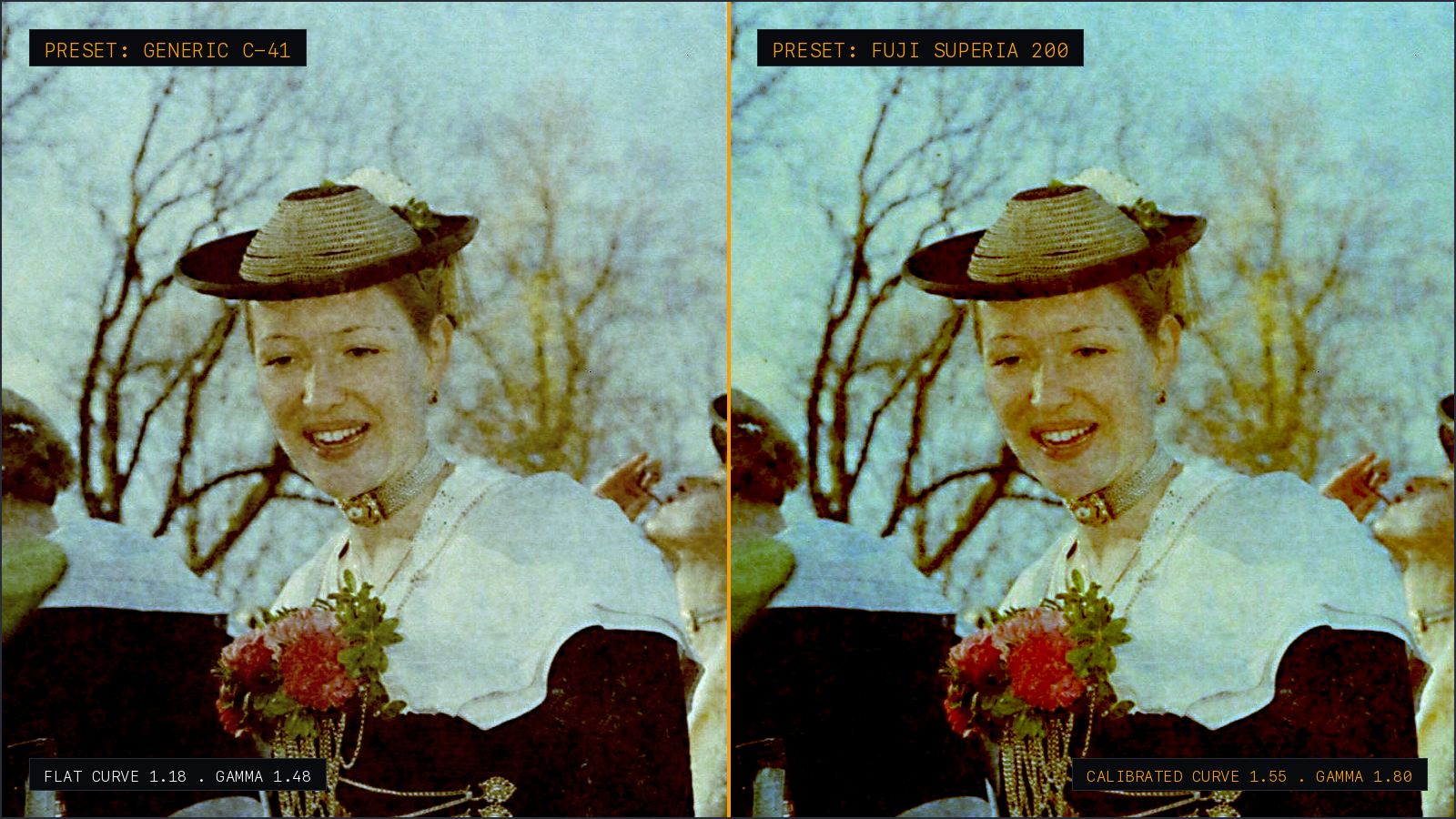
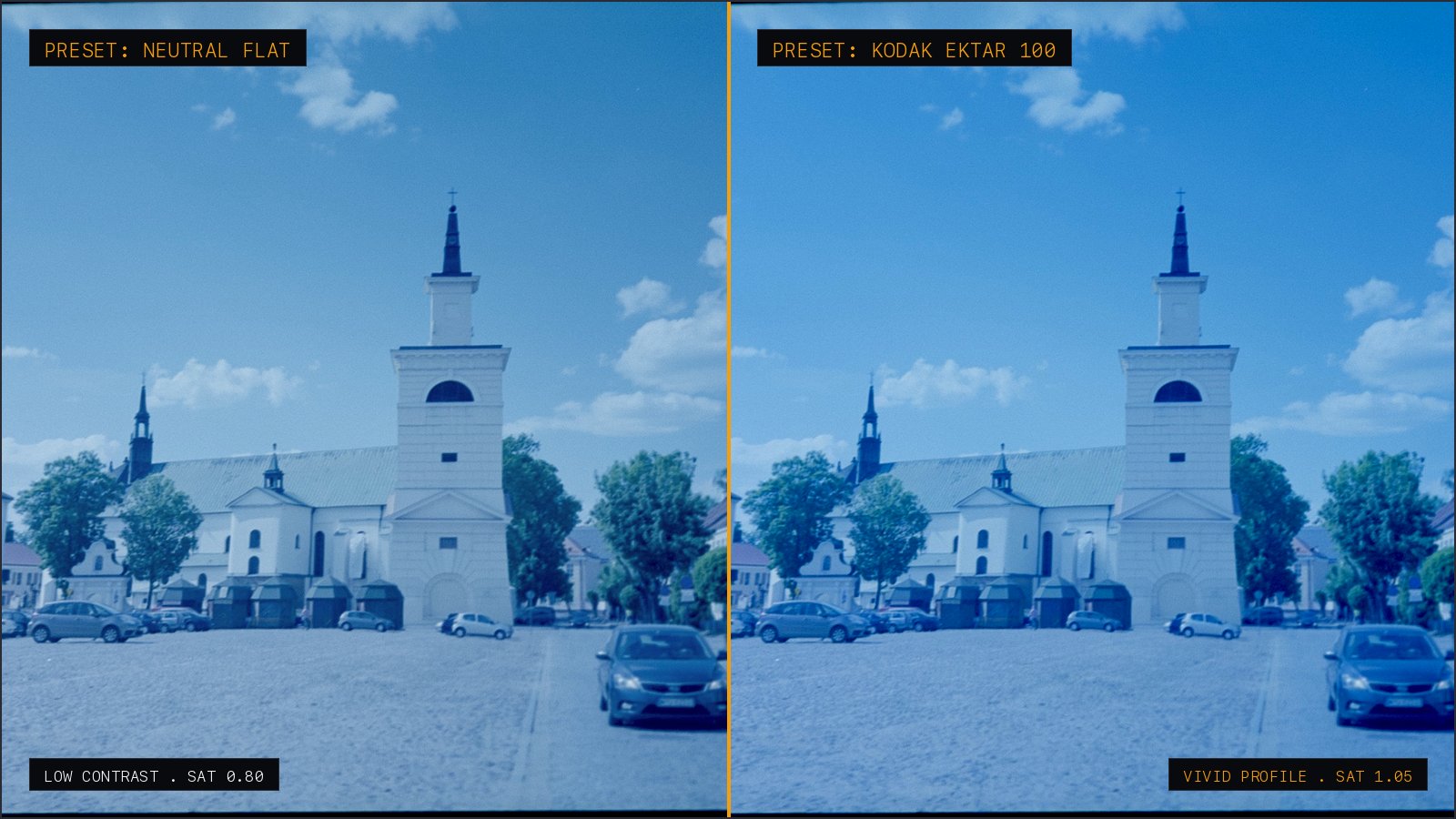
Slide to compare: untouched backlit orange negative on the left, natural skin tones and grain preserved on the right.
5. Verdict
Don't pay annual subscriptions for basic digital darkroom math. Use NegaScan on the web for free, or grab the native iOS version for a transparent one-time purchase of $9.99.
Technical FAQ
- How do I cancel a recurring FilmBox or Photomyne subscription on iPhone?
- Open your iPhone Settings > tap your Apple ID profile at the top > Subscriptions > select FilmBox or Photomyne > tap 'Cancel Subscription'. If you were charged unexpectedly after a 3-day trial, submit a refund claim directly at reportaproblem.apple.com.
- Why do mobile film scanner apps make portraits look blue or cyan?
- C-41 negative film contains a built-in orange mask produced by colored couplers. Primitive apps apply simple linear RGB inversion, which turns the orange base into its complementary color, cyan, leaving faces pale and skin tones dull.
- Is scanning film with a smartphone camera good enough compared to lab scans?
- Modern phone cameras (48MP RAW sensors) capture plenty of resolving power and grain detail for 35mm and 120 film. Using a dedicated lightbox, flat film holder, and proper logarithmic inversion math delivers results comparable to mid-tier lab digital scans at a fraction of the ongoing expense.
- Why does NegaScan operate as a one-time purchase instead of a monthly subscription?
- NegaScan executes all color inversion shaders directly on your device's GPU via WebGL2 and Metal. Because no image data is processed or stored on remote cloud infrastructure, there are no ongoing per-scan server overheads passed on to users.
Keep reading
- How to Transfer Disposable Camera (QuickSnap) Photos to Phone Without Paying Lab FeesFinished a Fujifilm QuickSnap or disposable camera? Learn where to develop it, why stores charge $15+ for smartphone scans, and how to get develop-only negatives and scan them to your phone at home.
- Lab Film Scanning Cost Hike: How to Digitize Negatives at Home for FreeCommercial photo labs are raising fees for film development and smartphone transfer. Learn how to order develop-only and digitize C-41 negatives at home using your phone and browser.